HRIS, ATS Integrations and Webhooks
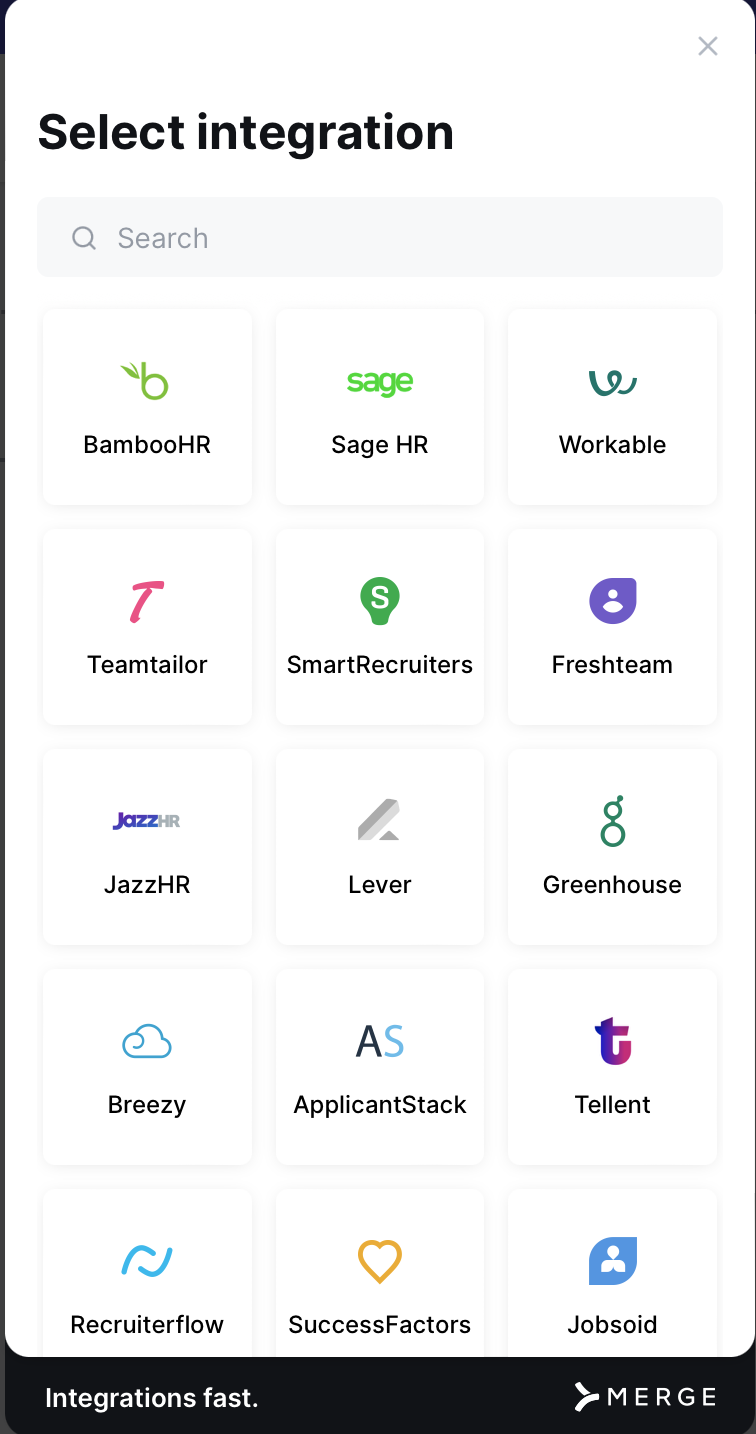
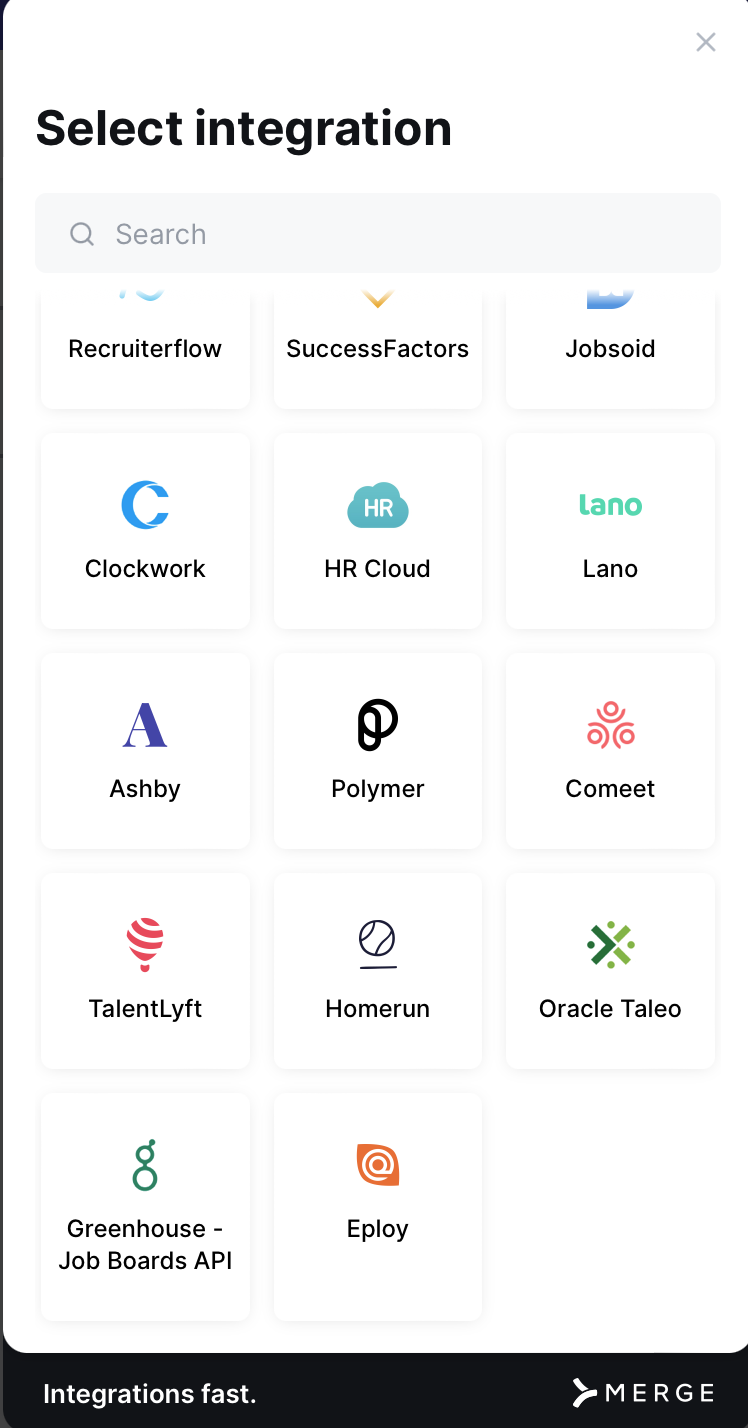
PrevailHQ can be integrated with multiple, HRIS, ATC, and other systems. These integrations allow you to automate data syncing and take time-consuming updates off your hands.
Please note: Integrations with API connection may require admins to authenticate the integration.
HRIS Integration
- Email the PrevailQH support team at support@prevailhq.com to get the Integrations feature activated on your account.
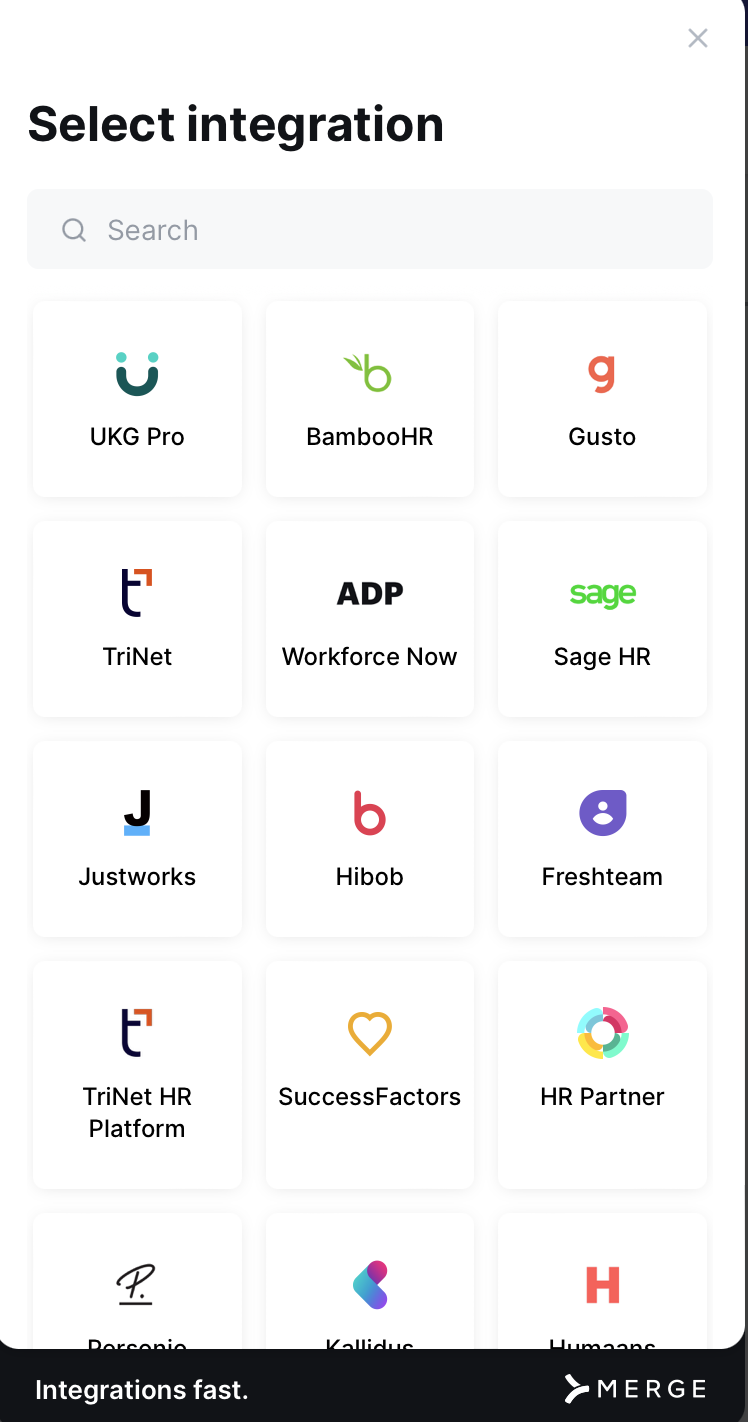
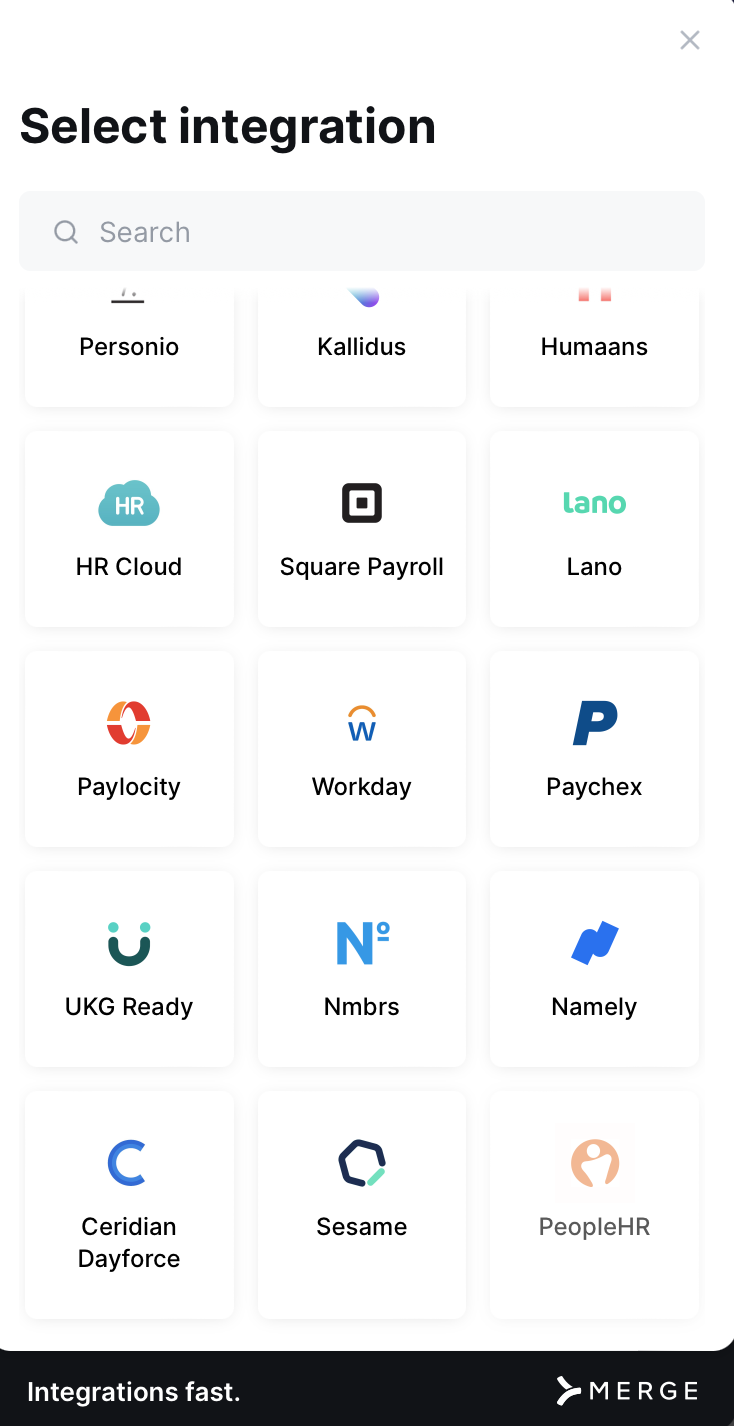
- Go to Your name> Settings > Integrations > Add Integration > HRIS > Select your HRIS.
Follow the instructions under your HRIS product to connect.
ATS Integration
- Email the PrevailQH support team at support@prevailhq.com to get the Integrations feature activated on your account.
- Go to Your name> Settings > Integrations > Add Integration > ATS > Select your ATS.
Follow the instructions under your ATS product to connect.
Webhooks
PrevailHQ's webhooks allow multiple information synching options based on your organization's needs. For example: on-site check-in data can be synched with your external systems.
- Email the PrevailQH support team at support@prevailhq.com to get the Integrations feature activated on your account.
- Go to Your name> Settings > Integrations > Webhooks .
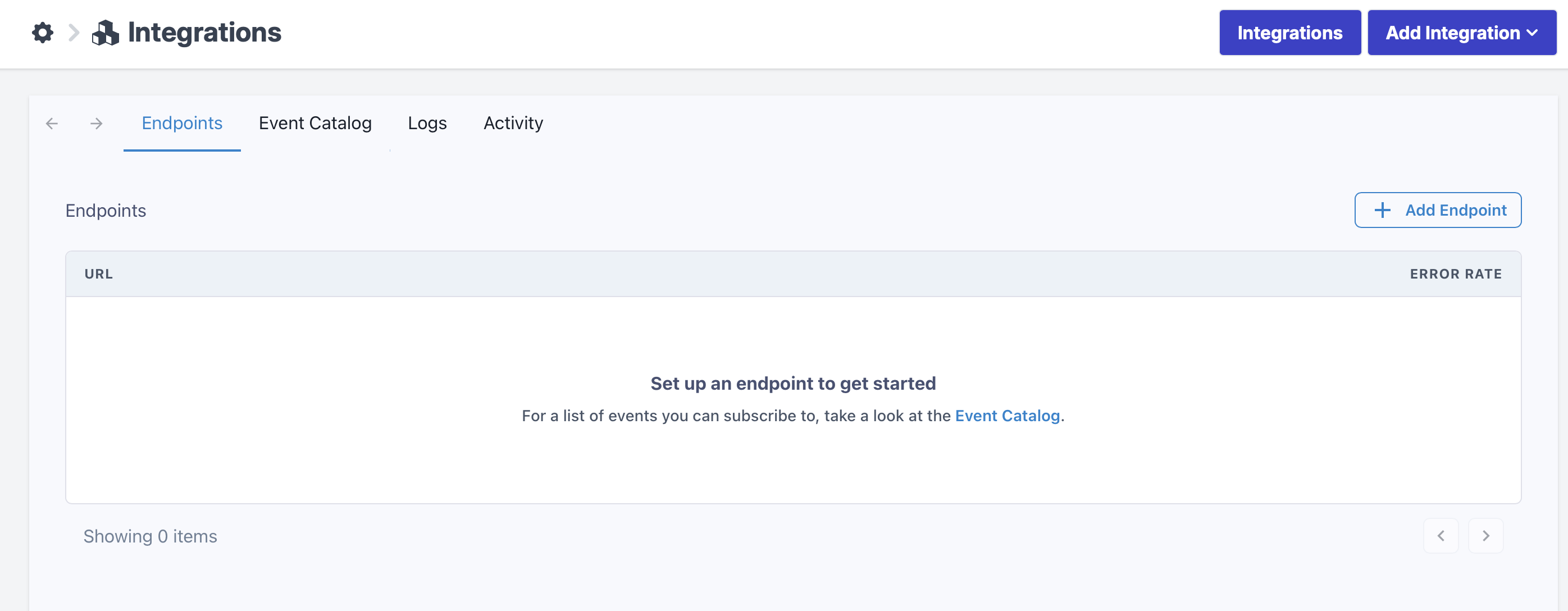
Here you will see four tabs: Endpoints, Event Catalogue, Logs, and Activity.
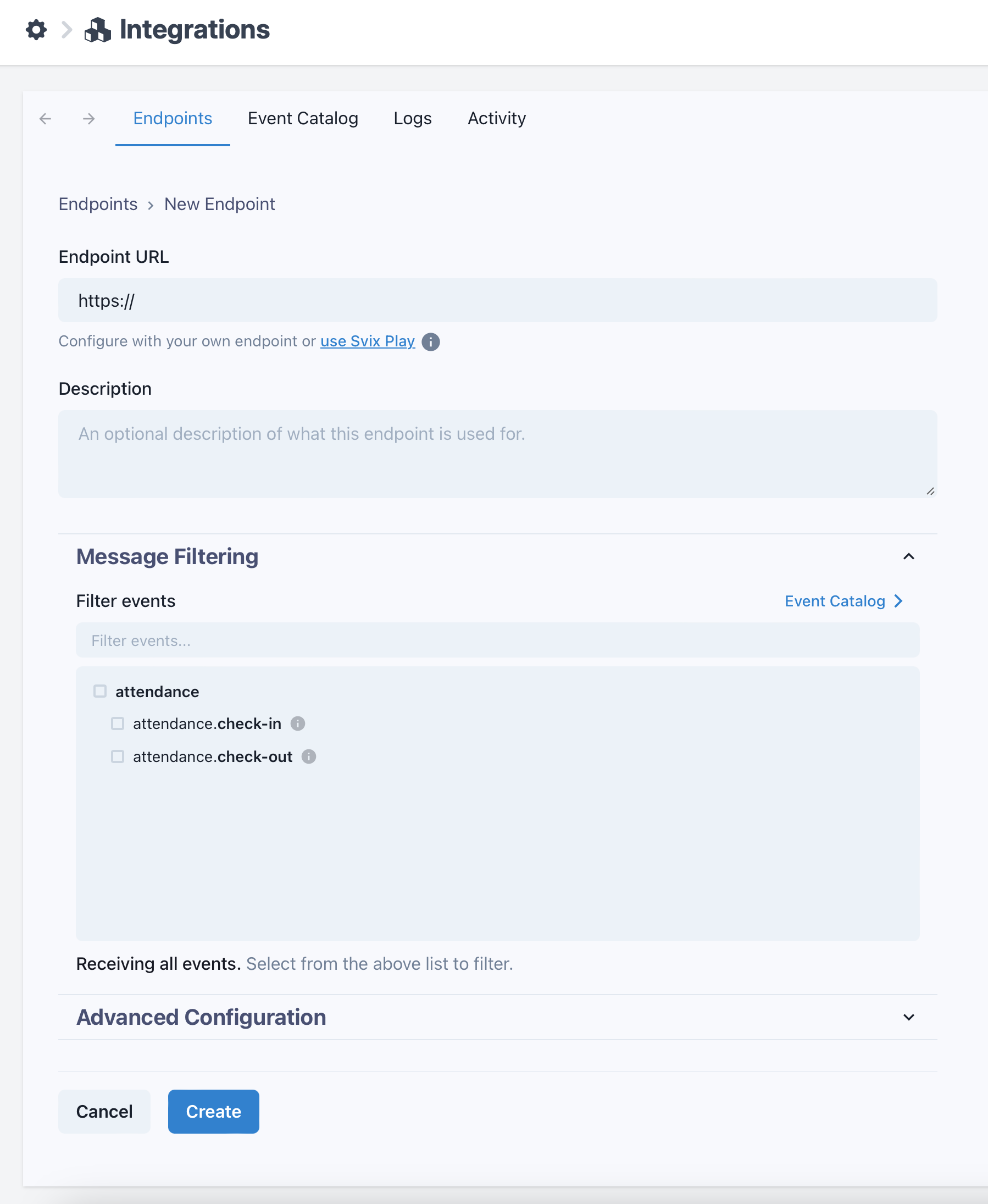
On the Endpoint tab click "Add endpoint" to create a new endpoint.