
Signing in to Prevail HQ
Sign in with your email
To Sign In to Prevail HQ, open a web browser and head to <https://app.prevailhq.com/employees/sign_in>
You can also use the PrevailHQ mobile app on your mobile device to manage the system.
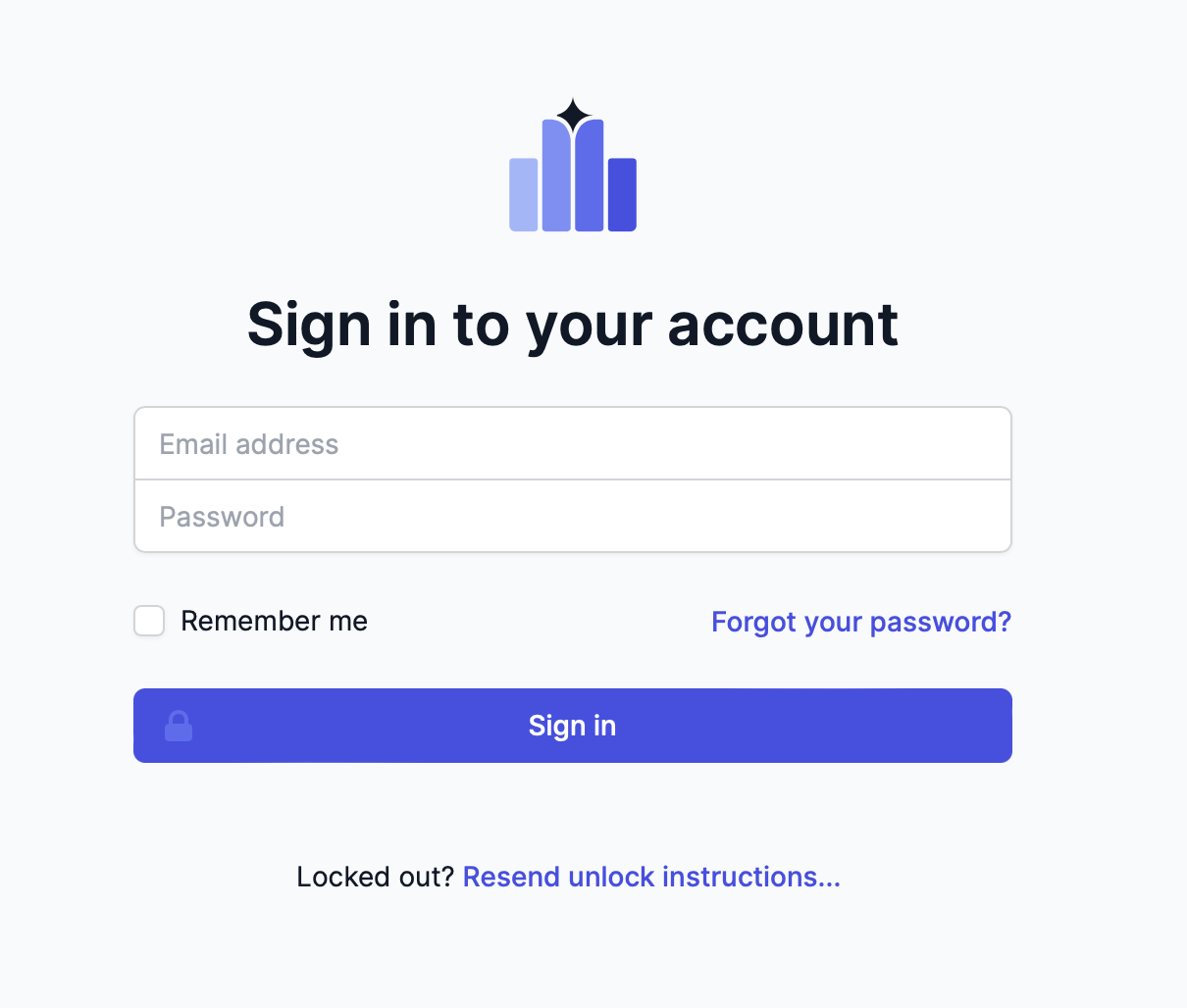
Enter the email address associated with your account and password, and click Sign In.
You can also use the "Forgot your password?" tool to reset your password.
Single Sign-on (SSO)
You can also integrate PrevailHQ with your organization's SSO. In this case, you will receive an organization-specific URL.