How To Use PrevailHQ Mobile App
The PrevailHQ mobile app is the mobile version of the PrevailHQ web app used by admins and other users with managing permissions. It is only available for users with managing permissions and can be used to manage the system from your mobile device for your convenience.
Please note: for all the other users without management permissions please use the ConnectHQ mobile app.
Download
See information on where to download the PrevailHQ mobile app here.
Sign In
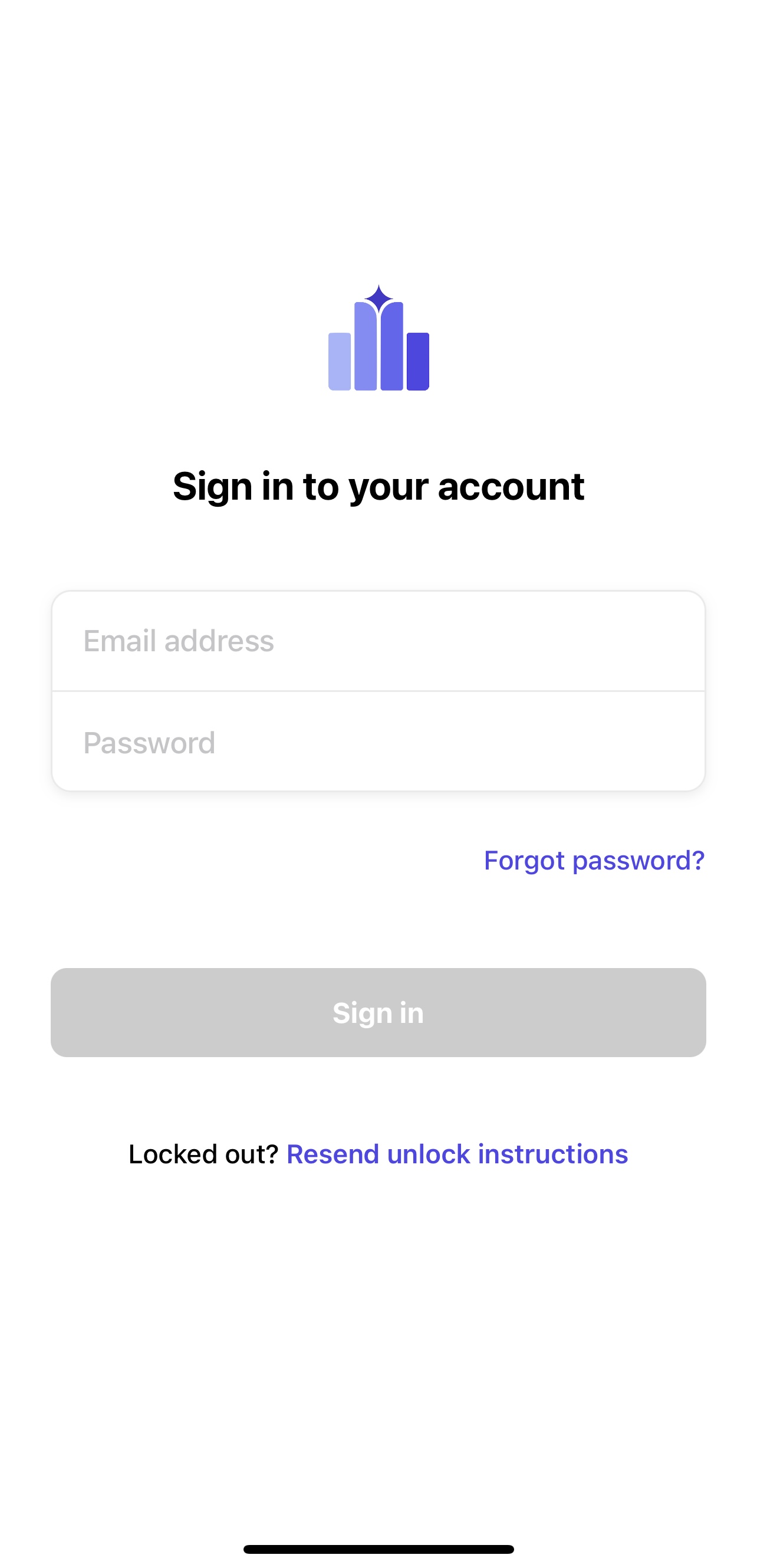
Sign in using your email and password.
You can also use the "Forgot your password?" tool to reset your password.
Please note: SSO is currently not available on the PrevailHQ mobile app.
App Functionality
The PrevailHQ mobile app works the same way as the ConnectHQ web app.
For the general guide on how to use the PrevailHQ app click here.
When you log in to the PrevailHQ mobile app you will see the Launchpad.
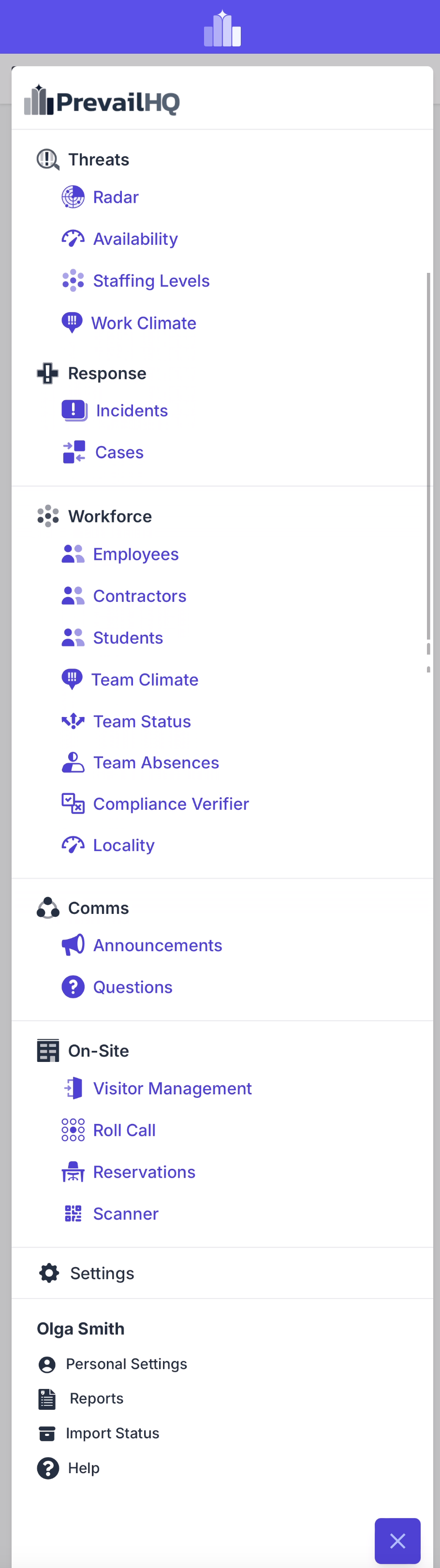
Click on the horizontal line menu sign at the bottom right corner to access the system menu.
Please note: different tabs might be visible depending on the products purchased by your organization and your role permissions.