
Adding Your Company Logo to the App
If you would like your users to see your Company or Organization logo within the app, head to Your Name > Settings > Organization Settings.
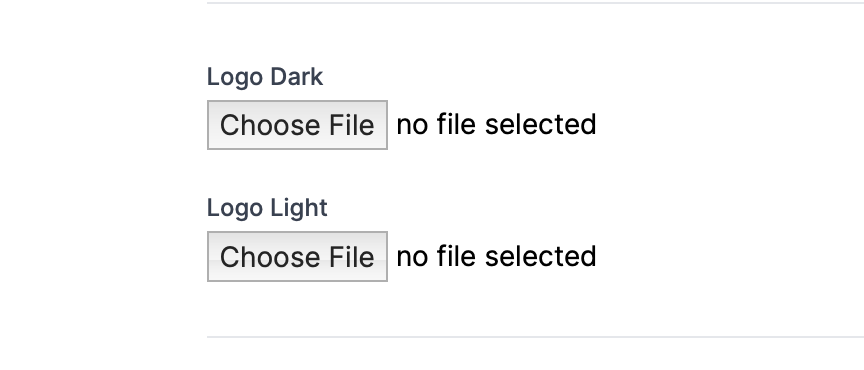
At the very bottom of the page, there will be two upload buttons to add your logo for users to see - one for users using standard light mode on their devices and one for users using dark mode.
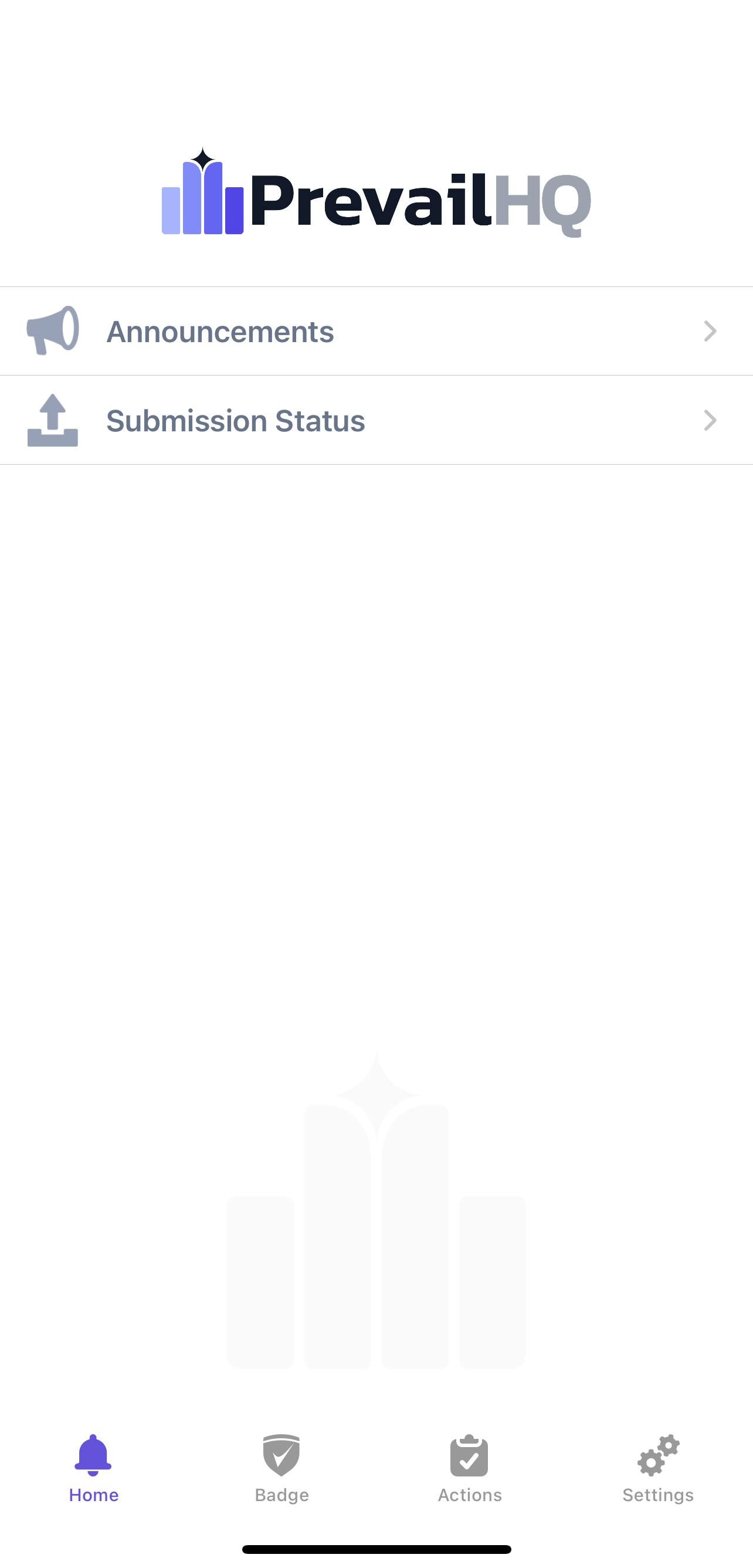
You can check how the upload looks via the mobile app; your logo will appear just above the "Announcements" tab of the mobile app home page:
Questions? Email us at support@prevailhq.com