Alert Templates
Creating Alert Templates
With custom alert templates, you can communicate quickly and efficiently during a crisis. These templates allow you to provide clear, concise instructions in a variety of emergency situations, ensuring that everyone knows exactly how to respond. Whether it’s a fire drill, an active shooter scenario, or a lockdown, these templates give you the flexibility to react swiftly and ensure the safety of everyone in the organization.
Click on: Your Name > Settings > Alert Templates
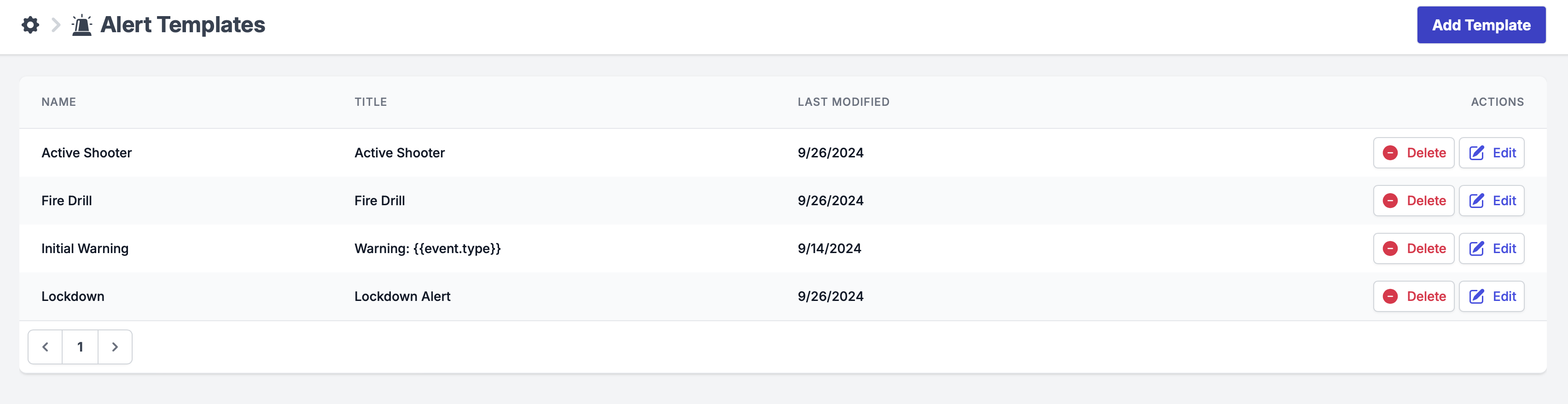
You can customize these templates to fit your organization's specific needs. Click "Add Template" to create a new template or edit/delete an existing one.
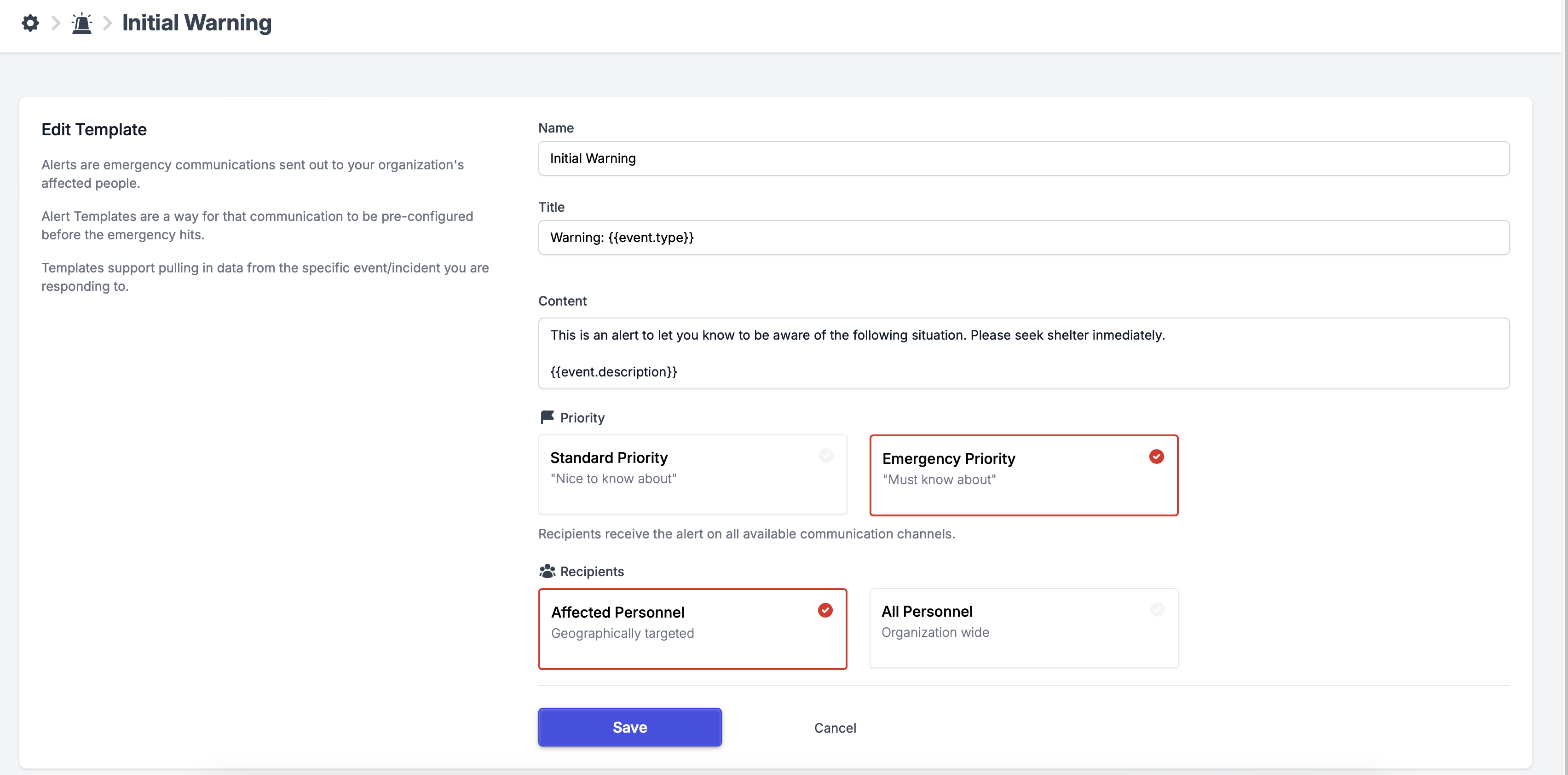
| Name | Name of the template for the internal management use |
| Title | This template title will be visible to all users who receive this template alert |
| Content | This template content will be visible to all users who receive this template alert |
| Priority | Emergency Priority: through ALL available channels (Push, SMS, Email). |
| Standard Priority: Alerts will be sent through the FIRST available channel only (Push, SMS, Email - notification via ONE channel in this priority order). | |
| Recipients | Affected Personnel- all the employees that are assigned to the location. |
| All Personnel- all the employees organization-wide. |
Template Variables
Template variables can be useful for personalizing and automating alert messages. These variables' data is populated from the Radar events. See the available variables below:
Event Type -> {{event.type}}
Category -> {{event.category}}
Title -> {{event.title}}
Description -> {{event.description}}
State -> {{event.state}}
Start At -> {{event.start_at}}
End At -> {{event.end_at}}
Predicted End At -> {{event.predicted_end_at}}
First Seen At -> {{event.first_seen_at}}
Updated At -> {{event.updated_at}}
Canceled At -> {{event.canceled_at}}
The alert must be associated with an event in order to use template variables. If you send an alert without an association with an event, variables will not populate.
Using Alert Templates
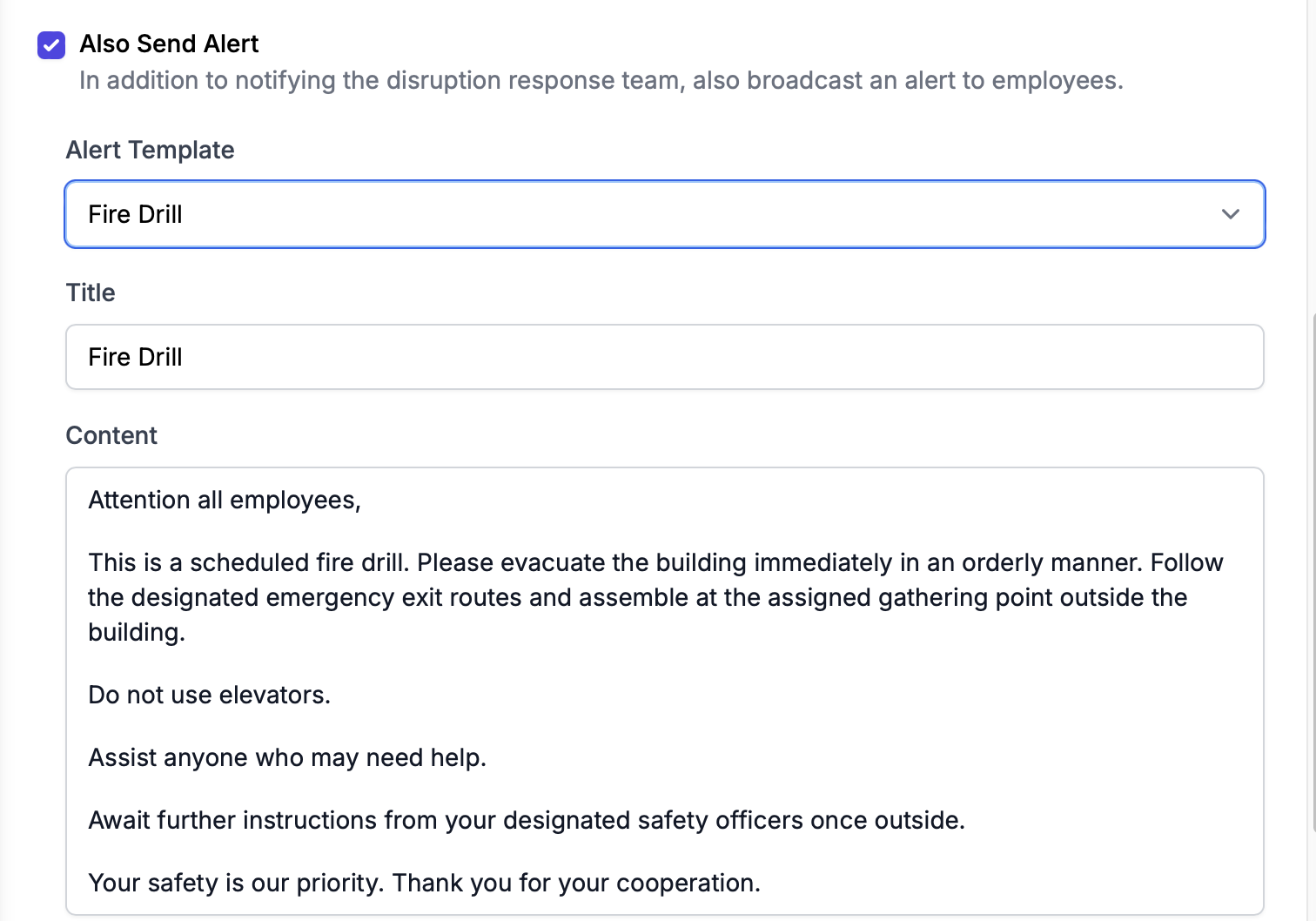
When sending an alert you can select a template to use from the dropdown menu. Learn more about Alerts here.