Response Teams
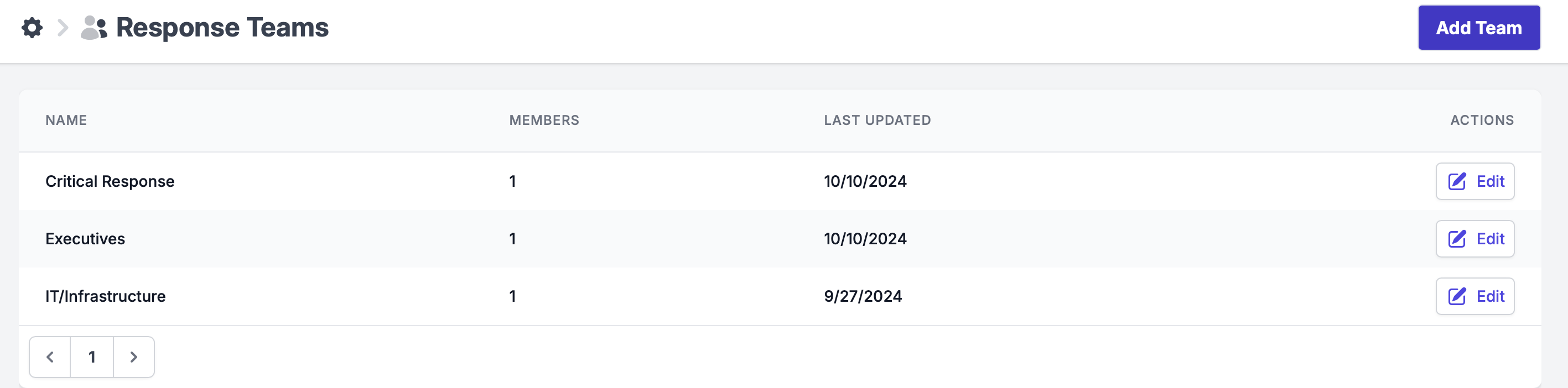
The Response Teams feature organizes your incident response team by their responsibilities, allowing each group to focus on specific tasks during an incident for improved efficiency. Examples of teams users could create include Executives, IT/Infrastructure, Critical Response, and others tailored to the specific roles in your organization. This structure ensures that everyone knows their responsibilities, streamlining communication and speeding up the response process.
Creating Incident Response Teams
Click on: Your Name > Settings > Response Teams
Here, you can add a new team or edit an existing one.
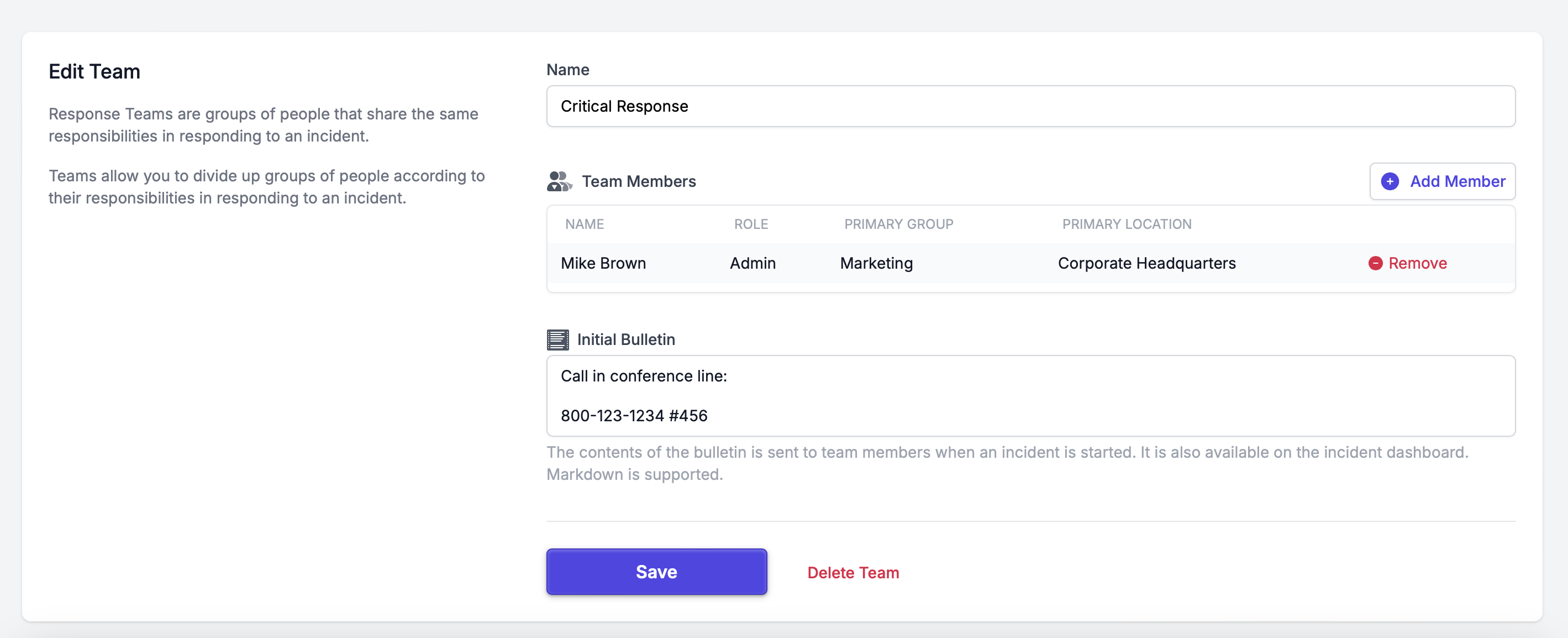
Fill in all the requested information:
- Team Name: Enter the name of the team.
- Add Members: Add members to join the team.
- Initial Bulletin: This is the place to put information that all the team members should have at the start of the incident This information will be shown on the incident dashboard.
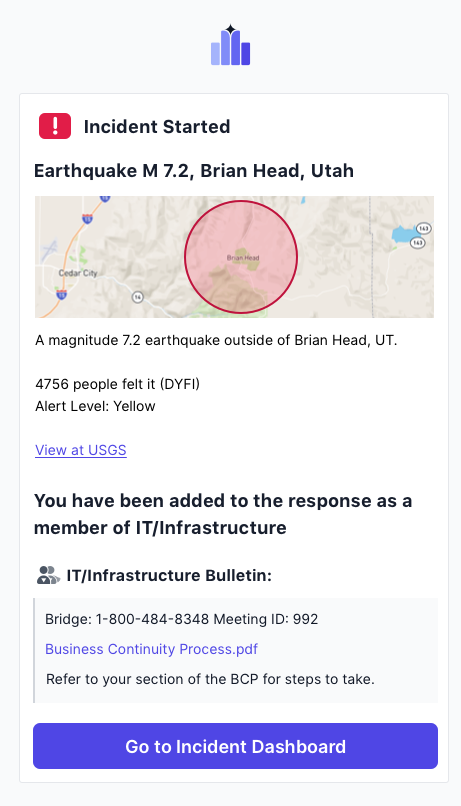
An email notification is sent to response team members when they are added to an active incident. This notification includes key details about the incident, ensuring that team members are informed and ready to take action.