
Capacity Tracking
From the Locations page, each location can be set up to monitor the capacity and alert select individuals once a threshold has been met. This feature works for all check-in methods.
Setup:
Go to Your Name > Settings > Locations.
Scroll down to the "Capacity Tracking" setting and select "Enabled" from the dropdown menu.
Set the capacity limit and the alert threshold - the maximum number of people you'd like on-site, and the number that you'd like a warning to trigger that you're reaching that max number.
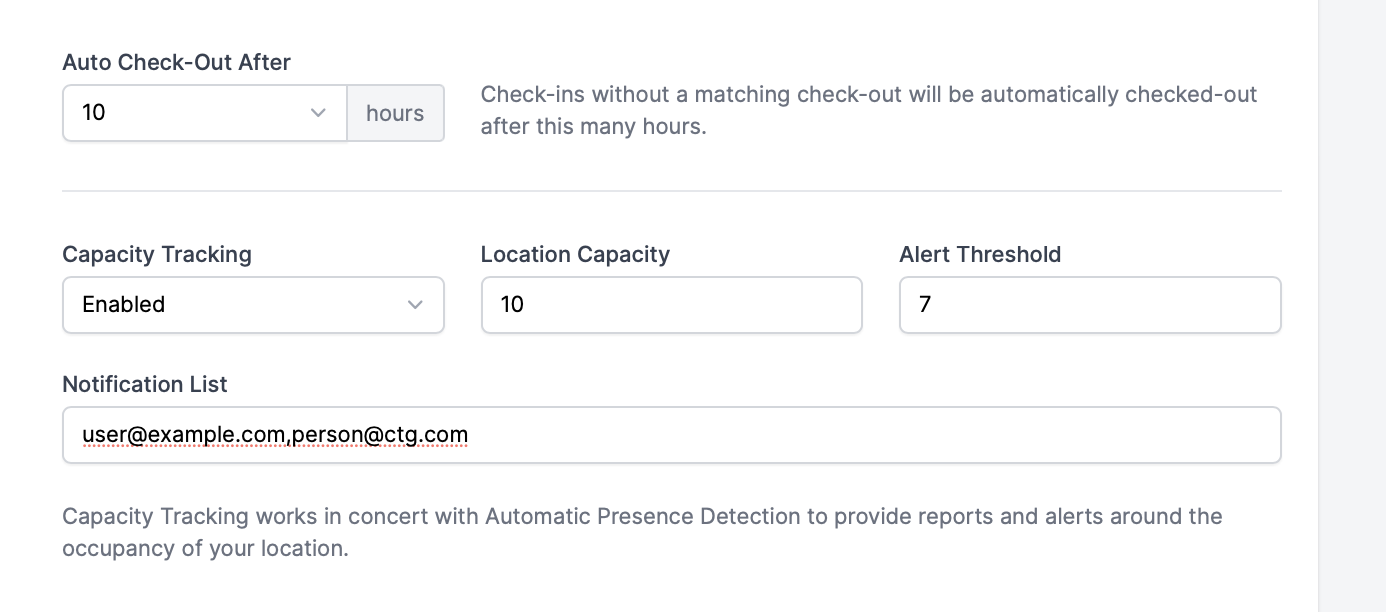
Type in the email addresses of the individuals that need to be alerted once the threshold has been met. You can enter these emails with commas separating the addresses.
Capacity can be monitored from the Roll Call, Scanner, and Visitors pages.