
Open Case Screening
When someone fails their screening, a case is automatically created against them. By default, they will no longer get notifications and won't be able to submit their screening. However, you can change this setting at any time.
To change this setting, head to Your Name > Settings > Organization Settings>Clear To Go.
There, you can adjust whether "Open Case Screening" will be allowed.
- Prevented - users will not be able to complete and submit screenings while the case is new or active. The case will need to be closed for them to get notifications again and be able to submit their screening (see our Case Management guide for information on closing a case)
- Allowed - users will be allowed to complete and submit screenings while the case is open or active.
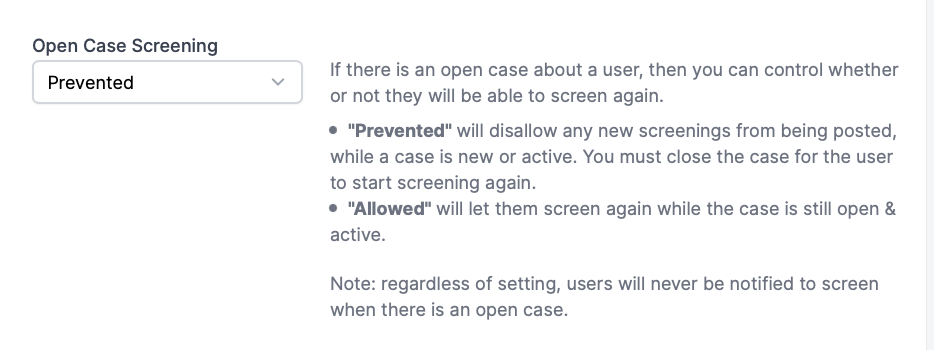
Please Note: Regardless of whether this setting is prevented or allowed, users should not be notified if there is an open case against them.