
Non-Compliance Report
Non-Compliance Report provides information on the compliance status of your users based on the Compliance Checklist rules that were set by your organization.
To access this report, click Your Name > Reports > Non-Compliance Report.
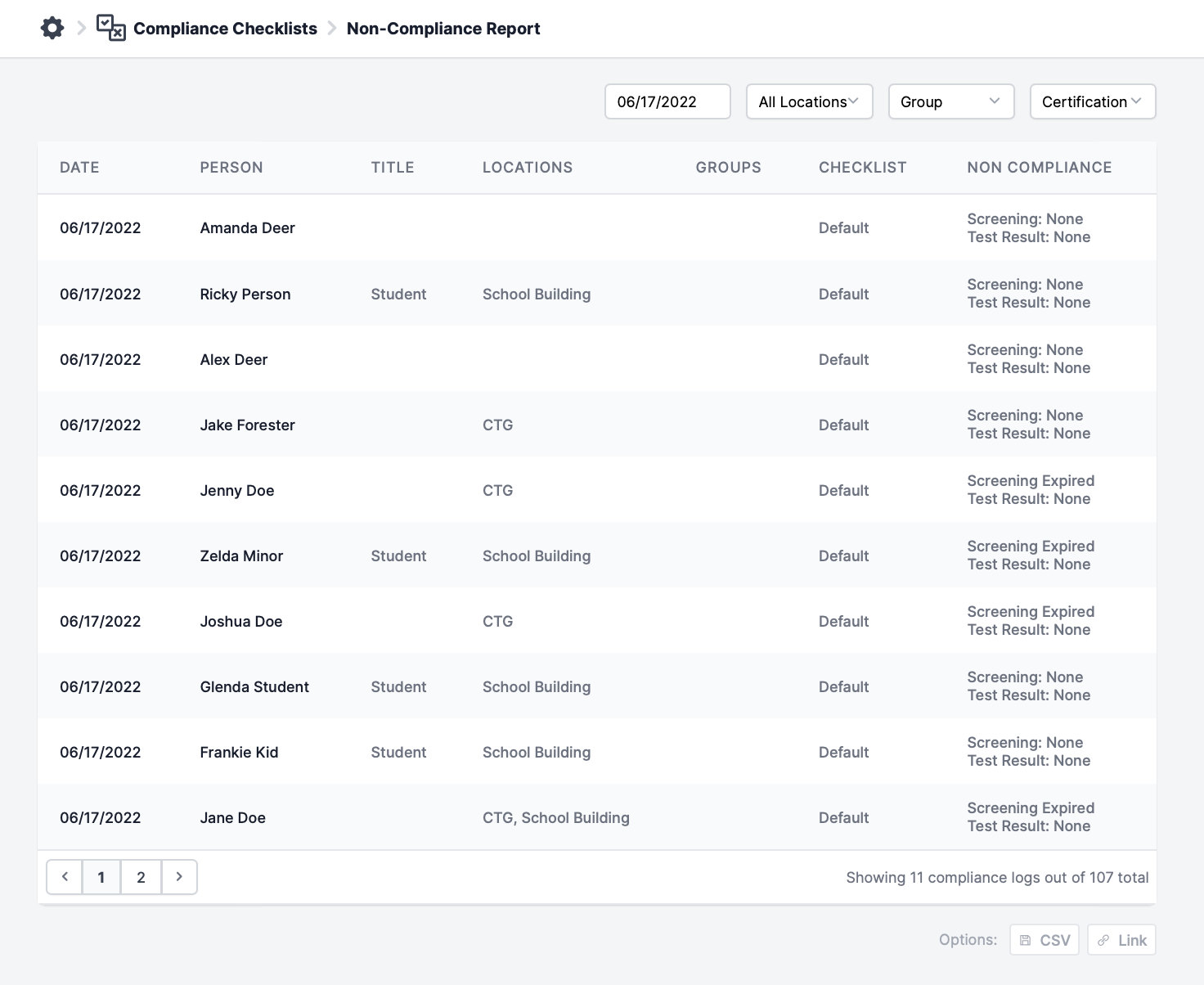
Then, users with appropriate permissions will be able to sort by date, location, group, and certification of the user (i.e. vaccination status).
A CSV file can be downloaded at the bottom right-hand corner.