
Vaccination Import
If your organization has decided it's time to upload Vaccination information to our system, it can be tedious to ask users again to submit their information again. To combat this, users with Manage Vaccinations privileges can upload existing vaccination information into our system, via the Import Vaccinations feature.
This feature is located under Settings > Screenings & Health > Vaccinations.
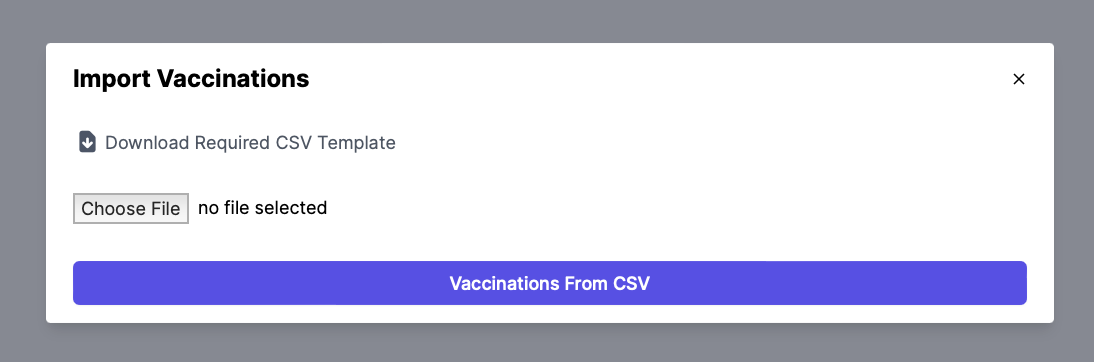
Select the "Import Vaccinations" button.
Then, download our CSV template and fill out the information.
person_email = employee email
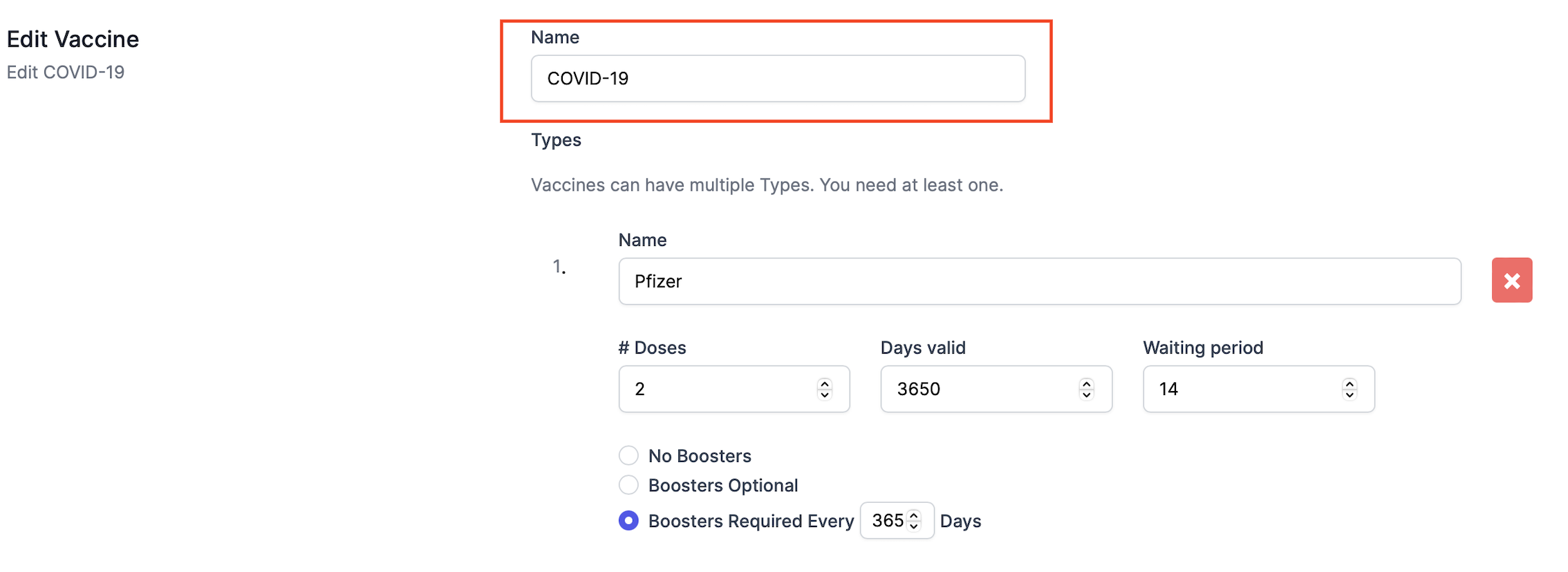
vaccine_name =name of the received vaccine under Settings>Vaccines
E.g., COVID-19.
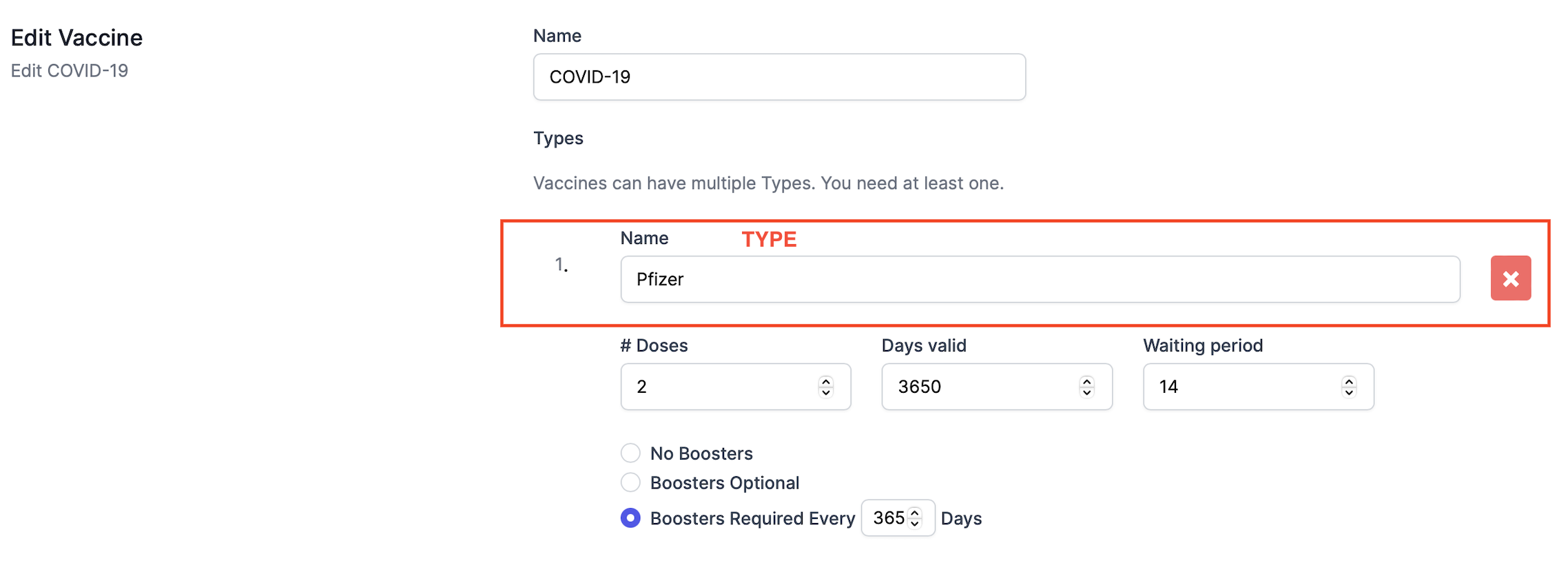
vaccine_type=name of the type of the received vaccine under Settings>Vaccines
E.g., Pfizer, Moderna, Johnson & Johnson.
doses = number of doses taken, not the number of doses needed
booster = TRUE/FALSE = If there was a booster received or not
date_of_dose = date of the most recent dose or booster, must be in MM/DD/YYYY
employee_id= optional field for employee ID
Once vaccinations have been successfully imported, they will appear on the Employee records.