Data Retention
Many state and county compliance regulations require that data be deleted after a period of time. If your organization is unsure, please check your local regulations.
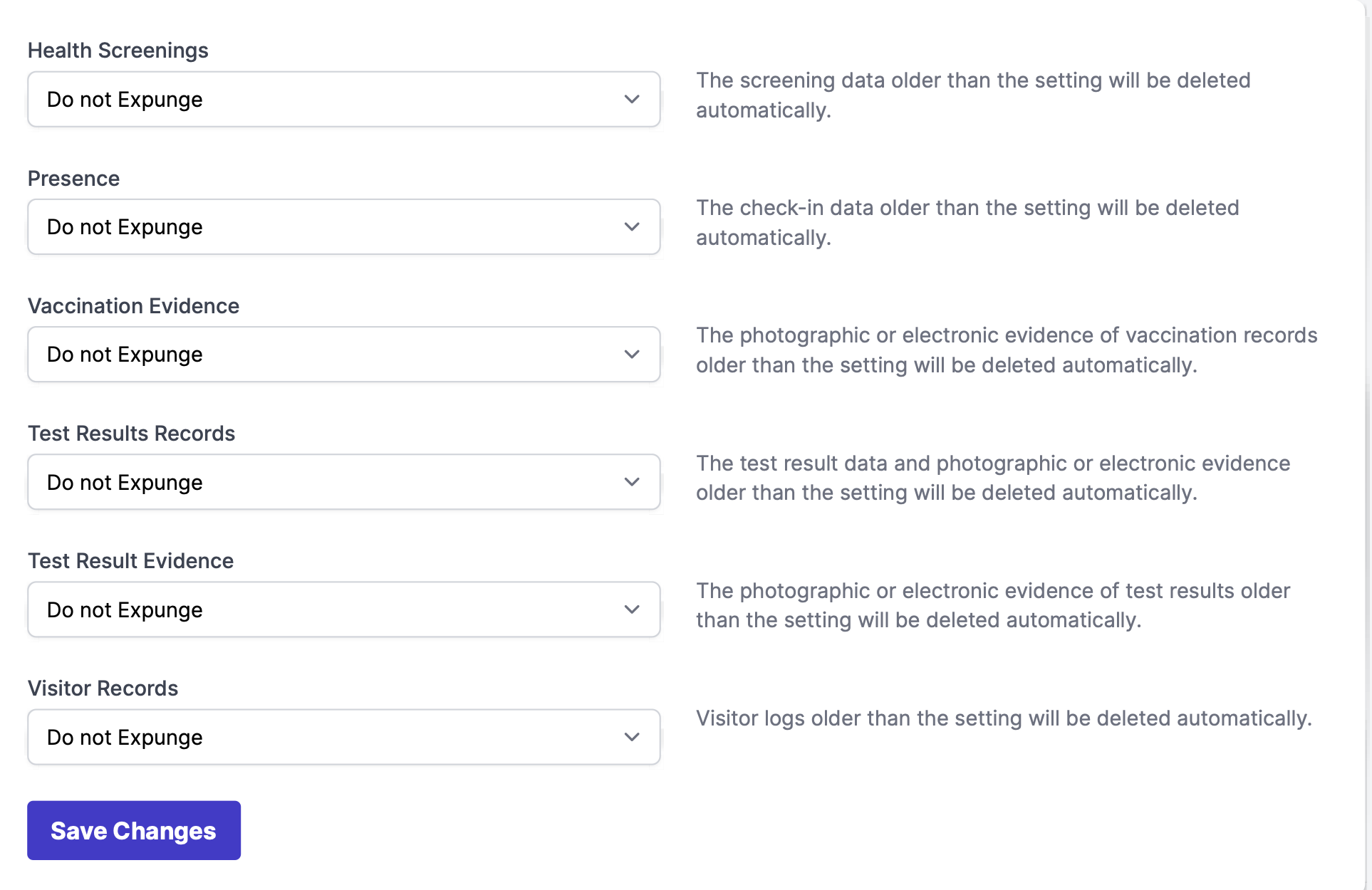
Automatic data deletion can be applied to health screening, on-site check-ins (presence), vaccination data, test result records, and visitor records.
Either of these options can set the time period that your state or county requires. This can only be adjusted by an account admin or anyone with permission to Manage Data Retention.
Setting Automatic Data Deletion
To get to the Data Retention tab, go to Your Name > Settings > Data Retention.
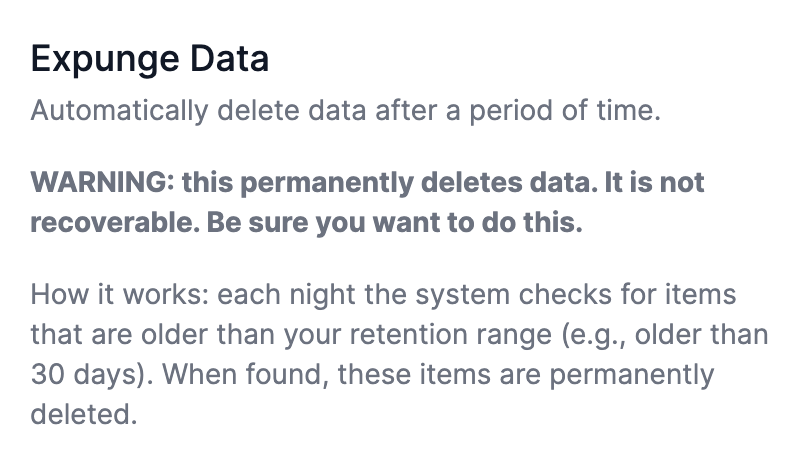
In this tab, you will see a large warning on the left cautioning that this feature will delete data, as well as how our expunging system works.
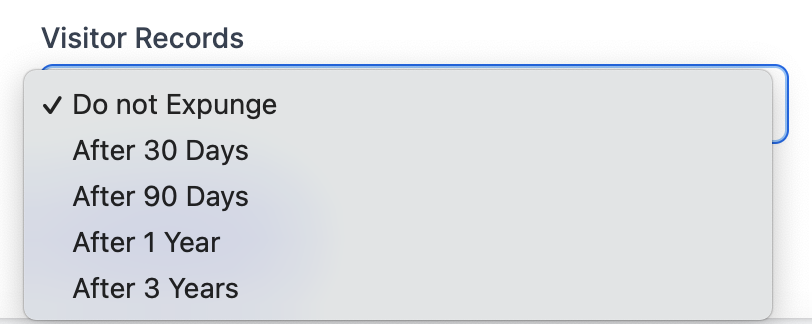
Under each section, you can select how long you would like data to be retained. If any data surpasses the time mark selected, the system will delete it in an overnight sweep.
Expunged Log
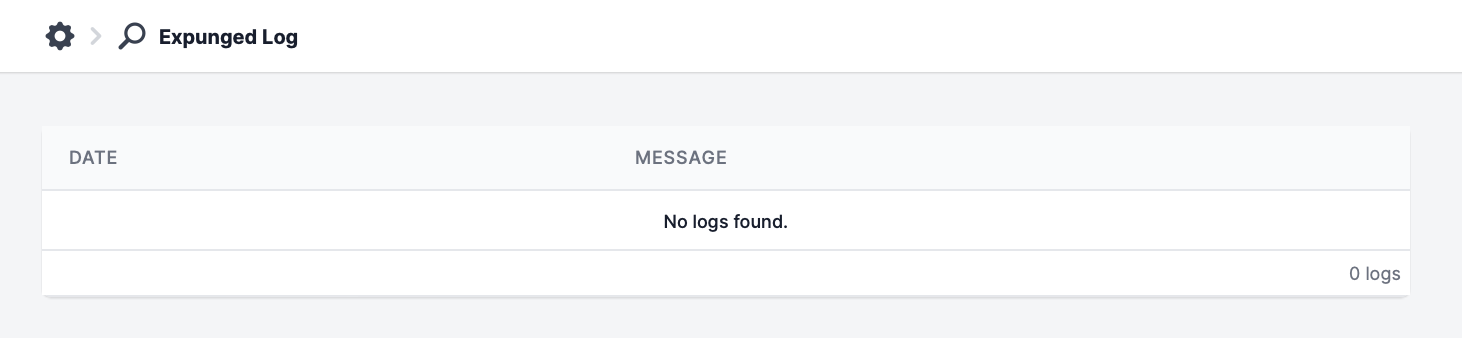
From Your Name > Settings> Expunged Log, there is also an Expunged Log tab. This is where a history of your deleted data will be stored. Please note that this is to show you what you have deleted, it will not include the contents of the deleted data.
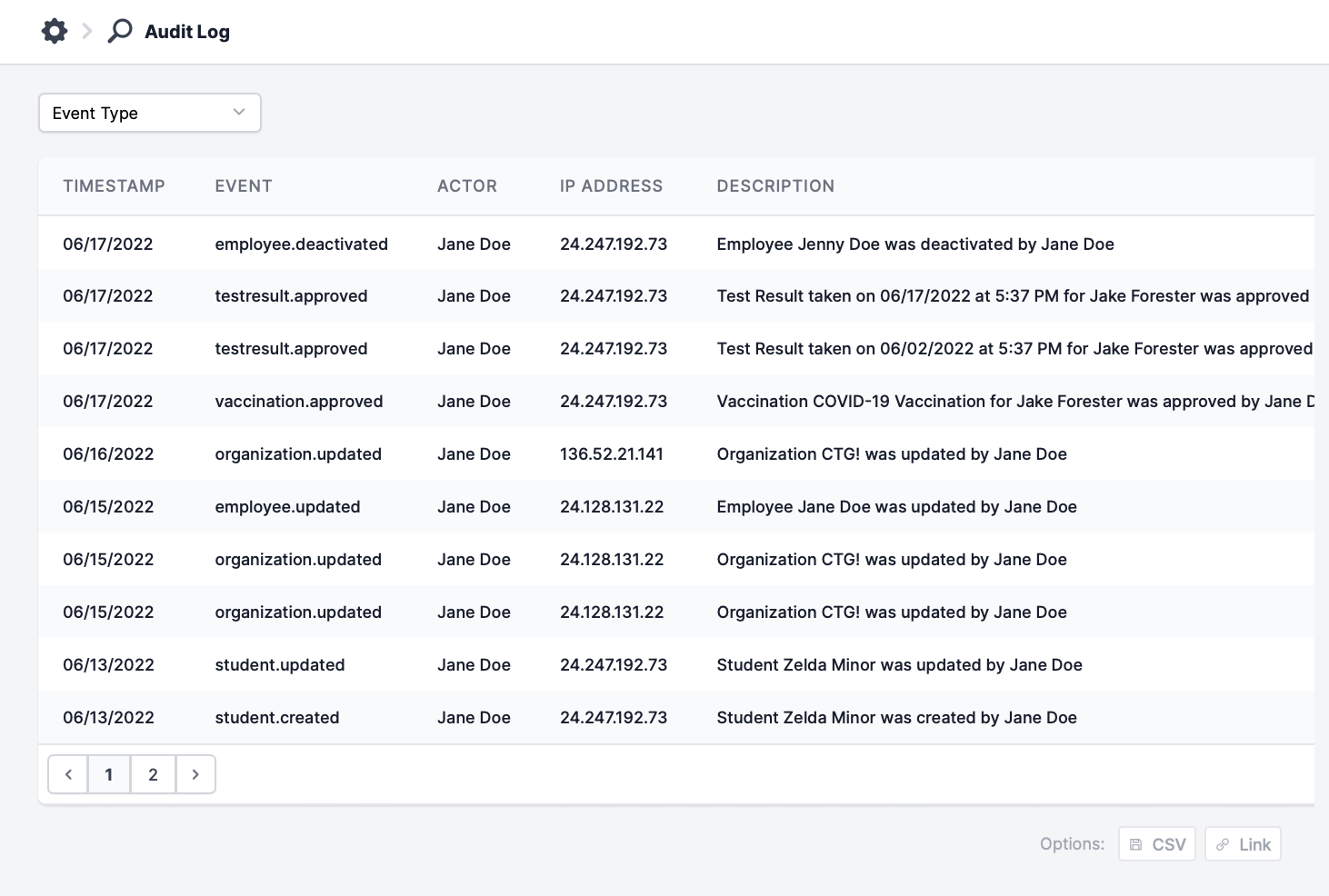
Audit Log
From Your Name > Settings > Audit Log, you'll be able to see what changes were made to your account, regarding multiple features.