
Case Questions
Case questions that end users see when reporting an illness can be customized. That provides an opportunity for the organization to meet specific organizations' illness reporting requirements and optimize case processing workflow.
Click on Your Name > Settings > Case Questions to create new or modify preset CTG case questions.
For more on the user's mobile interface, see our Illness Reporting document.
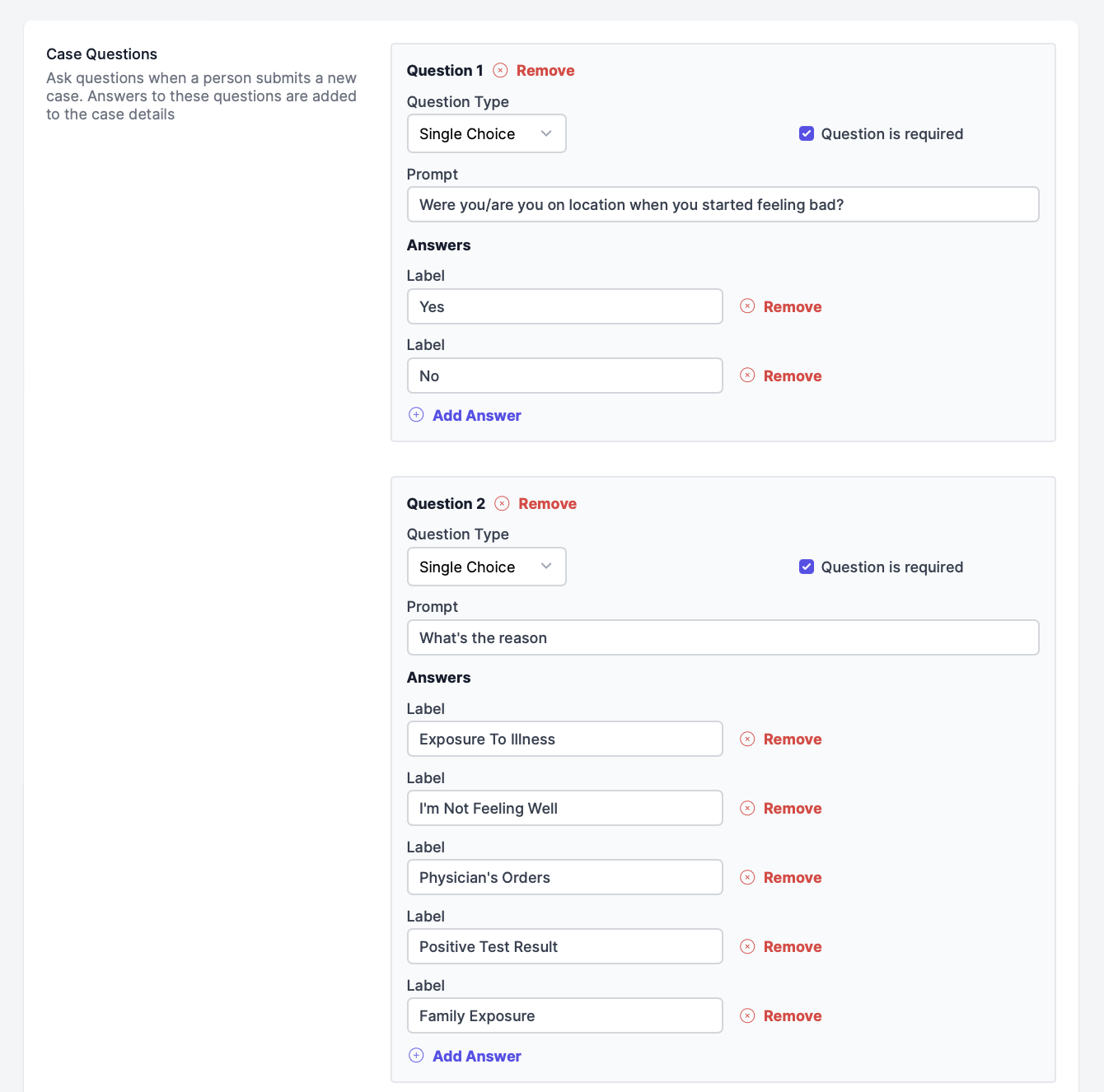
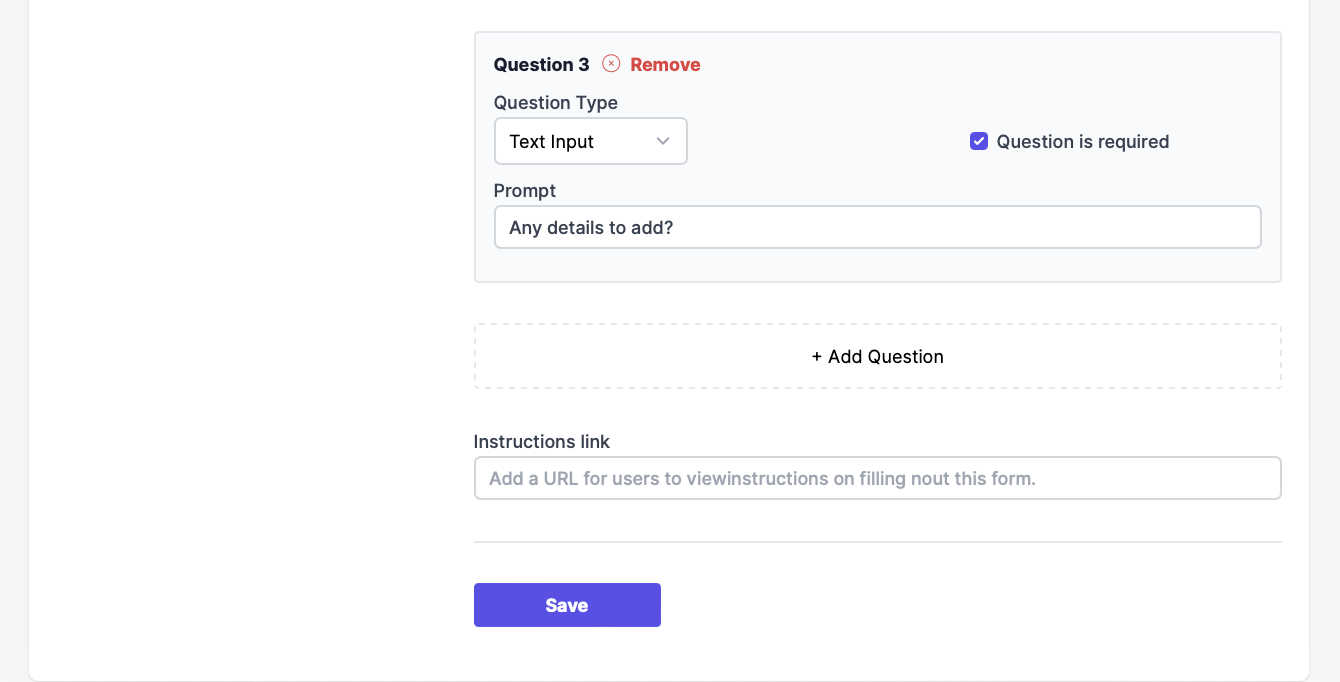
Within your Case Questions, you'll be able to add/remove questions, change the question type, add/remove answers, mark a question as required, and add a link for your organization's instructions/standards.
Case questions provide an opportunity for the organization to gather the required information from the employees' illness reporting and share the organization's instructions based on the received answers. For more information on steps after this questionnaire is submitted by a user, see our What Happens When a Case Is Created? page.
Updating a Question
Please Note*:* Updating a question should send it to the end of the questionnaire. Please keep this in mind when altering or updating questions for your users.
Questions? Email our support team at support@cleartogo.co