
How do I export data on a routine basis?
Let's say that you need to export data on a daily basis about what is happening at each of your locations. You need to know who was on-site and if that person screened or not. How would you do this?
At the bottom of every page that displays tabular data (i.e. Employees, Cases, Visitor Management, etc.), there is a link to download a copy of it via a secure URL. It looks like this:

Filter the data as you desire, then click:
- "CSV" and you will receive an email with a link to download the file shortly
OR
- Click "Link" and you'll be presented with the option to create a Data Link:
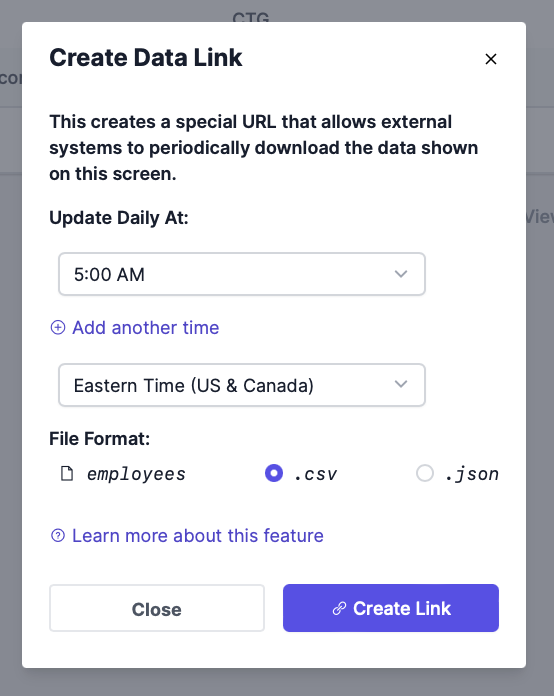
Note the URL, Username, and Password. You will need this to access the data.
Once you have this URL, you can use it as part of your automation process.
Things to note:
- These special URLs provide access to your data without requiring a user account on the system. This means that they should be treated with caution. Don't share the URL with someone who shouldn't have access to the data.
- Deleting a Data Link will stop any external systems from being able to use it.
- Administrators can see all Data Links in use across their organization by going to Settings > Data Links.